Using the App — Projector
The projector is the calm shared screen for a live class session. When a teacher runs a synchronous lesson, the projector view goes on the classroom’s big screen. It is display-only by design: a large join code and an aggregate count of who has joined — and never any student names, scores, or individual results.
Waiting screen
Before a session is live, the projector shows a calm waiting state inviting students to follow along, with a count of how many have joined so far.
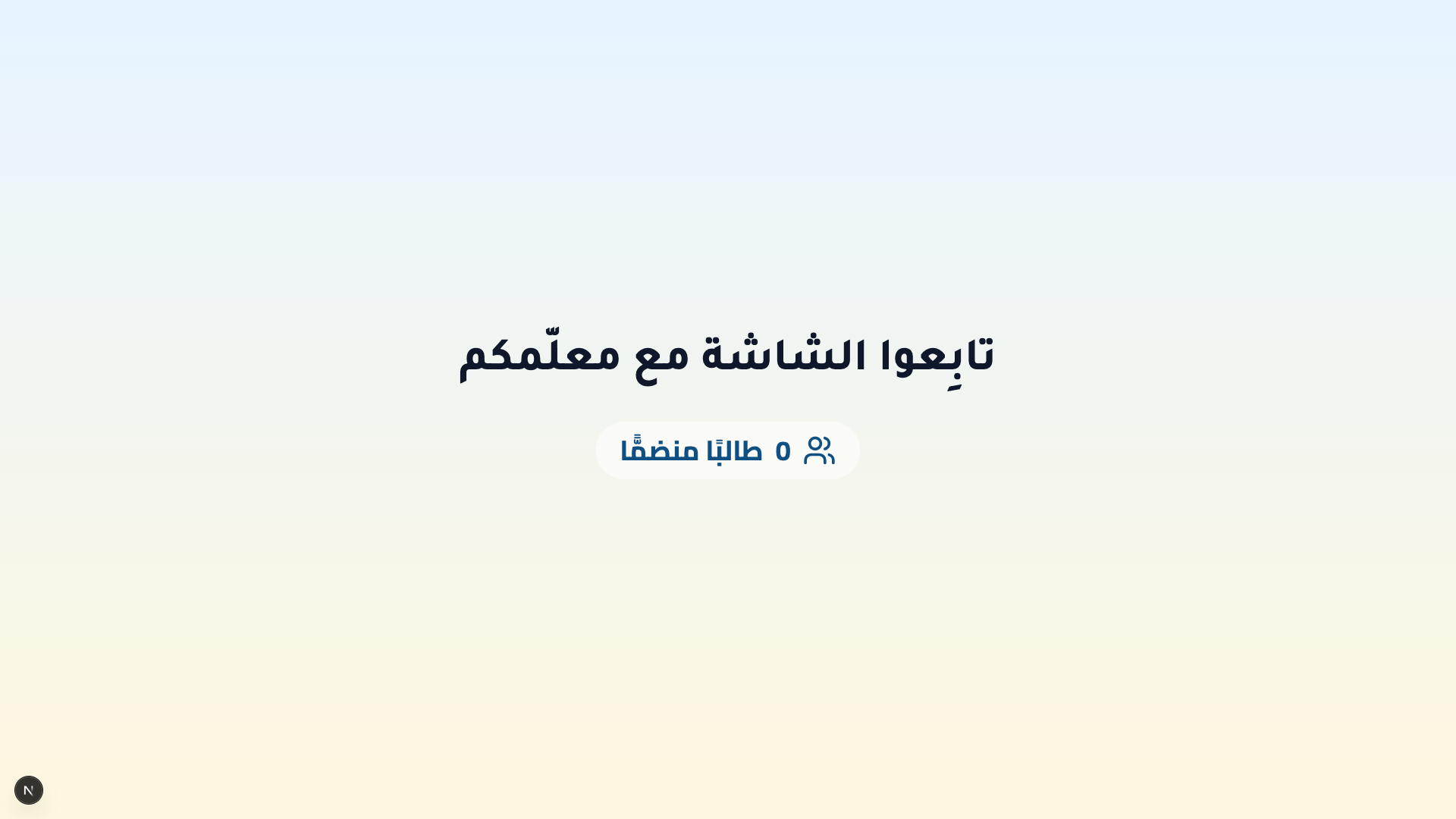
The teacher launches and controls the session from their own sync screen — see the Teacher guide. The projector itself has no controls; it only displays.
Active session
Once the session is live, the projector shows a giant join code and an aggregate joined counter. Students enter that code on their own devices to join.
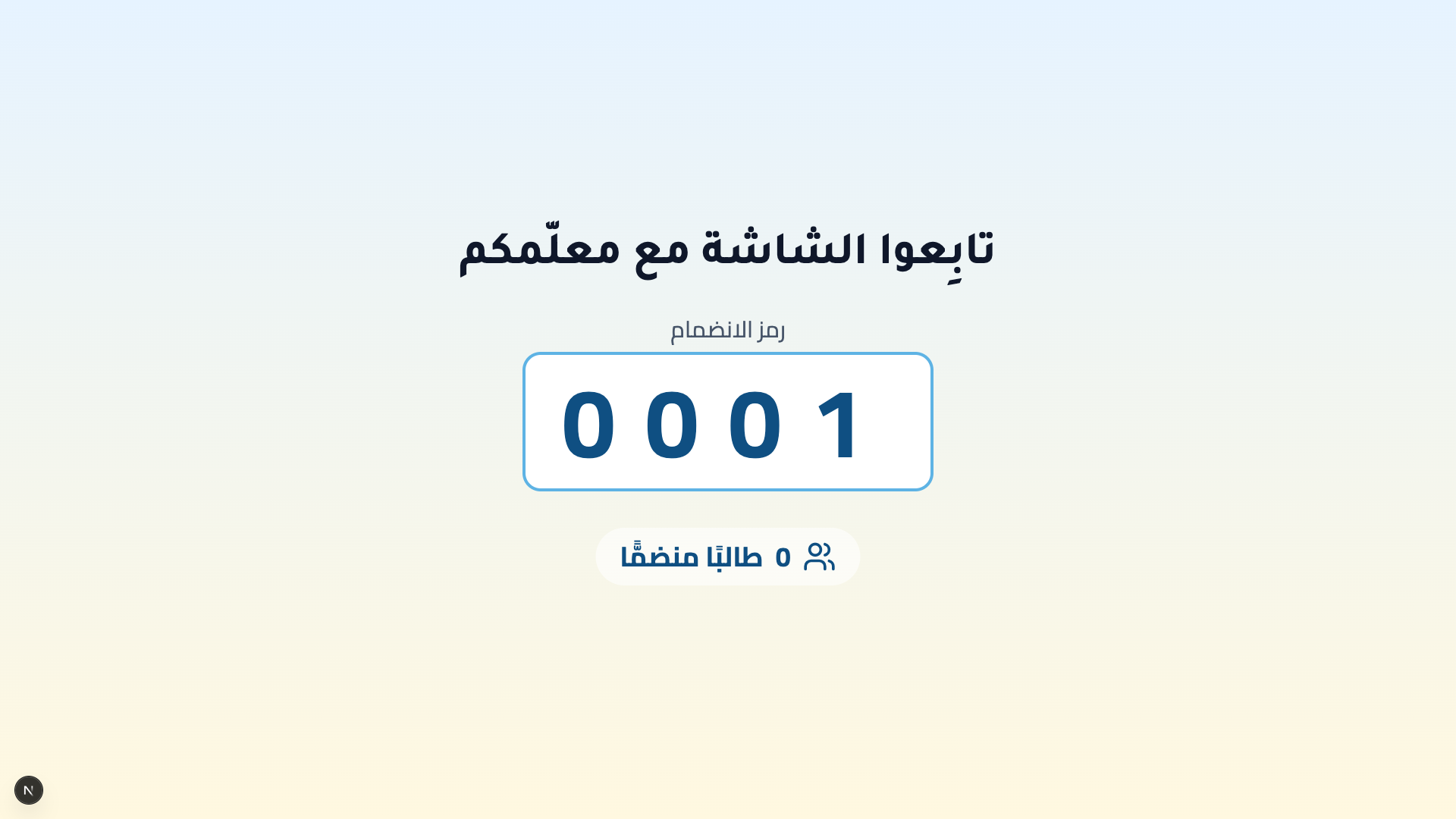
How students join:
- Read the large join code on the shared screen.
- Enter it on the join a live class keypad on their own device (see the Student guide).
The projector only ever shows the join code and aggregate counts — never a student’s name, result, or any individual detail. The shared screen is safe to display to a whole class.
On the classroom display
The projector is 1920-first: at full HD it uses distance-friendly type — a large heading and a very large join code readable from the back of the room. On smaller projectors (around 1366 or 1280 wide) the type steps down to a still-legible base size that reads well up close.